For business customers only  
English
Nederlands Français Deutsch
Wuerth Logo Alt Title Tag
Login
Forgot your password?

Would you like to become an online customer?

Register here in three simple steps to use all functions of the online shop.

Sales only for business customers

Register now
Logging in...
Scan the QR-Code with the app to log in. You will be logged in automatically.

Would you like to become an online customer?

Register here in three simple steps to use all functions of the online shop.

Sales only for business customers

Register now
Forgot your password?

Would you like to become an online customer?

Register here in three simple steps to use all functions of the online shop.

Sales only for business customers

Register now
0Shopping cart
  • PRODUCT RANGE
  • SHOPS
      • Shops list
      • Bonus card
      • Shops abroad
      • Pickup service
  • SERVICE
      • Programs & Searchers
      • Repair Service Masterservice®
      • Electronic invoices
      • Returns
      • WOW
      • Online shop and app
      • Wüdesto
      • Inventory management
      • E-procurement
  • ABOUT US
      • Jobs
      • Sustainability
      • Commitment
      • History of Würth
      • Code of compliance
  • CONTACT
      • Frequently asked questions
Wuerth Logo Alt Title Tag
  • Login
      1. with login name
      2. with customer number
      Forgot your password?
      Forgot your password?

      Would you like to become an online customer?

      Register here in three simple steps to use all functions of the online shop.

      Sales only for business customers

      Register now
  • PRODUCT RANGE
    • Catalog
    • SHOPS
      • Shops list
      • Bonus card
      • Shops abroad
      • Pickup service
    • SERVICE
      • Programs & Searchers
      • Repair Service Masterservice®
        • Formulier ophaaldienst
        • Formulier retourservice
      • Electronic invoices
        • Aanvraagformulier
      • Returns
      • WOW
      • Online shop and app
        • Online shop
        • App
      • Wüdesto
      • Inventory management
        • ORSY-rekken
          • planningstool
        • ORSYmat_betselautomaten
        • refillomat_vulsysteem
        • orsyflex_rekken
        • orsycollect_lockers
        • orsy_scan
        • orsy_os_site_containers
        • orsy_mobile_voertuiginrichting
          • voertuiginrichting_contact
          • Startpakketten
          • Servicebelofte
          • transportoplossing
      • E-procurement
    • ABOUT US
      • Jobs
      • Sustainability
      • Commitment
      • History of Würth
      • Code of compliance
    • CONTACT
      • Frequently asked questions
    • Language: English
      • Nederlands
      • Français
      • English
      • Deutsch
    1. Home
    2. SUPPLY SYSTEMS

    Inventory management

    Even ‘small items’ can quickly cause major costs. After all, they go through a highly time- and cost-intensive process. This is exactly where Würth steps in: we optimize your processes with perfectly integrated solutions, ranging from purchasing and replenishment to safety!

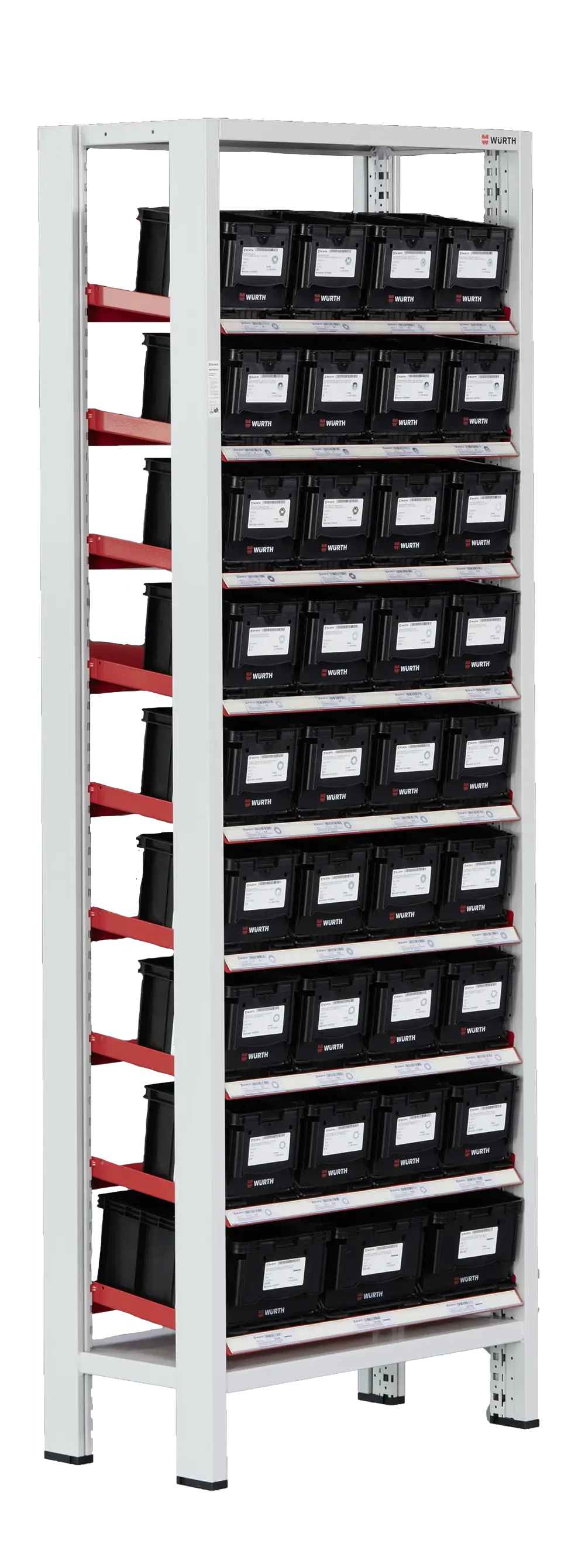
    Warehouse shelving

    The ORSY®1 shelving system offers a versatile solution for clearly organizing small consumable items.
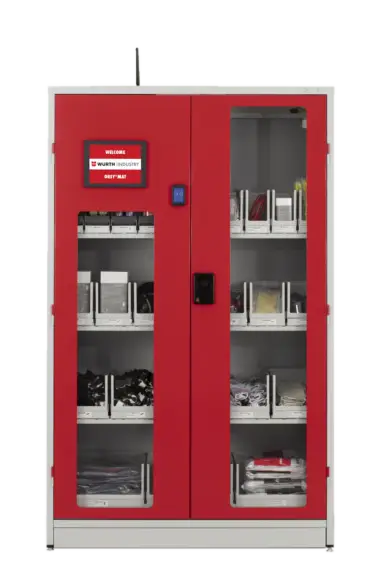
    atmospheric image ORSY®1

    Vending machines

    Vending machines

    Würth products available 24/7 on the work floor and responsible consumption management

    atmospheric image ORSY®mat

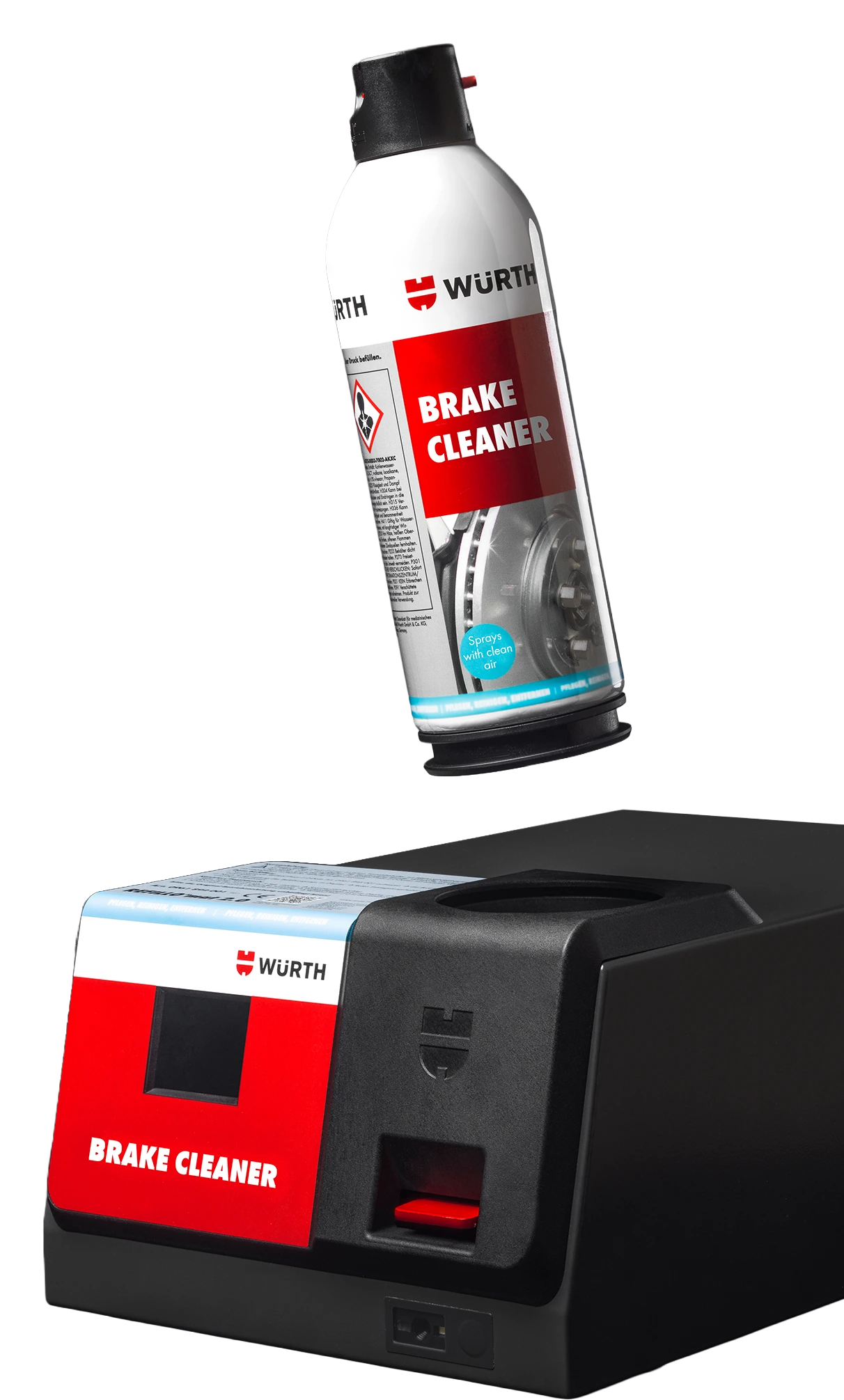
    Refill system

    The refill system for spray cans as an alternative to traditional aerosols.

    atmospheric image ORSY® refillomat

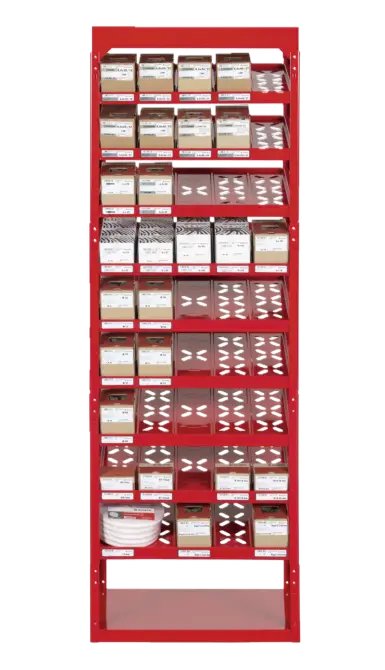
    Modular shelving

    ORSY®Flex shelving offers a modular solution for clear and optimal storage.

    atmospheric image ORSY®flex

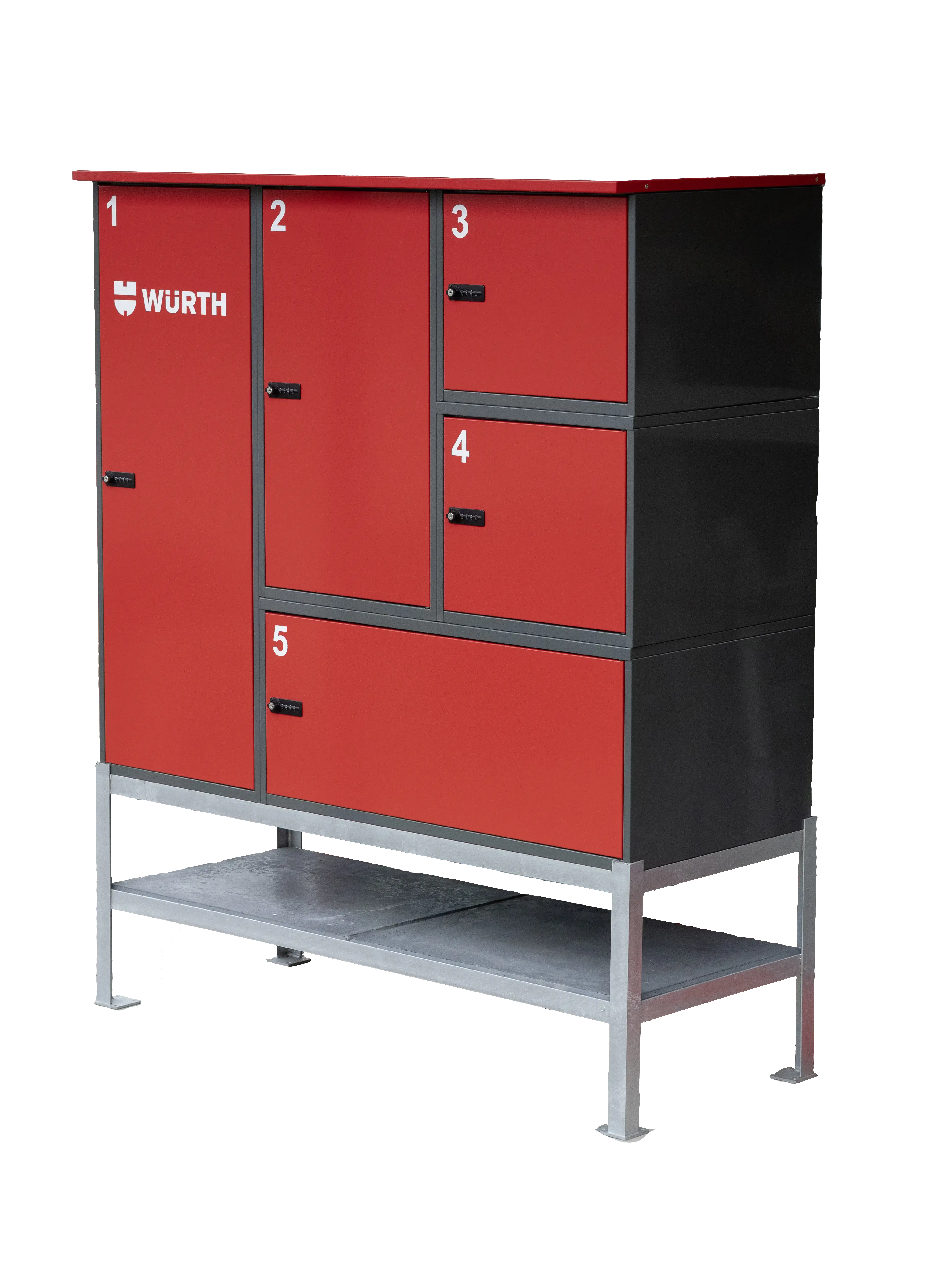
    Lockers

    Offer goods to employees or customers even after working hours

    atmospheric image ORSY®collect

    Scanners

    Discover the three different scanning options: app scan, ORSY®scan and ORSY®scan direct.
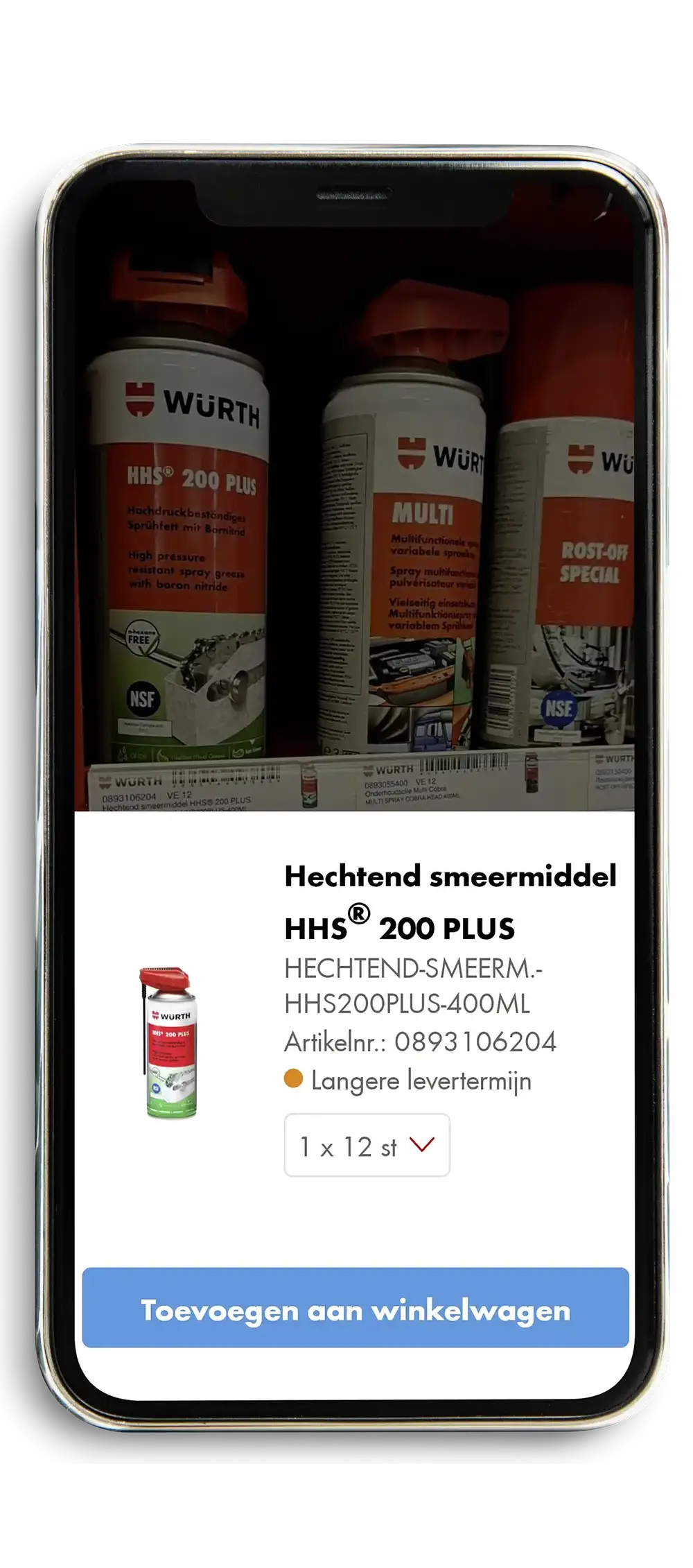
    atmospheric image ORSY®scan

    System cases

    System cases

    Quickly organized and ready to work efficiently
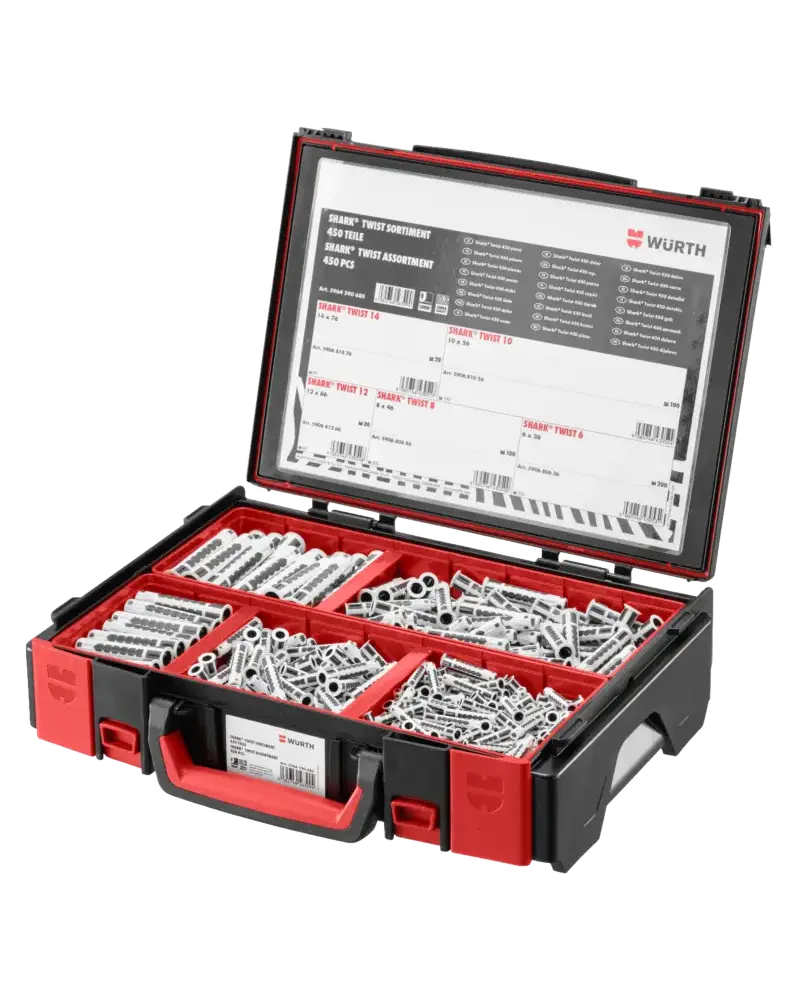
    atmospheric image ORSY®cases

    Containers

    ORSY® on site is the ideal solution for managing your stock on a construction site.
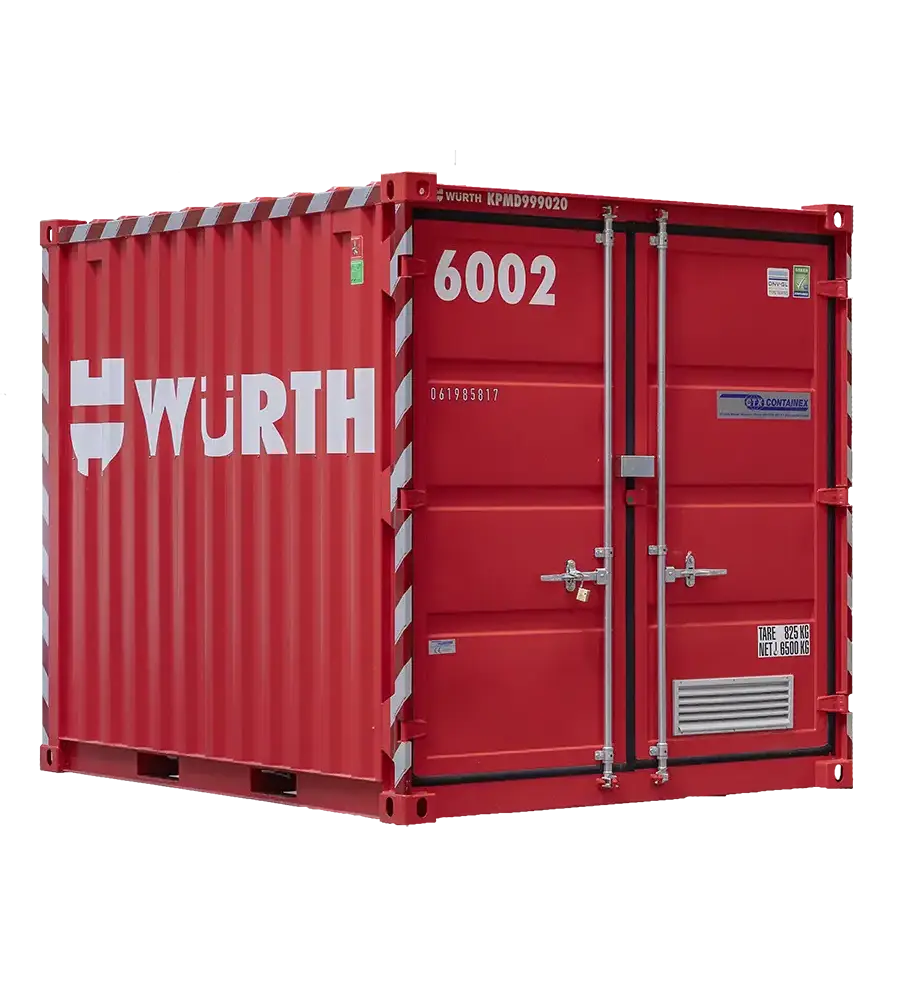
    atmospheric image ORSY®onsite

    Vehicle outfitting

    Vehicle outfitting

    Store materials and tools compactly, clearly, and safely in vehicles.
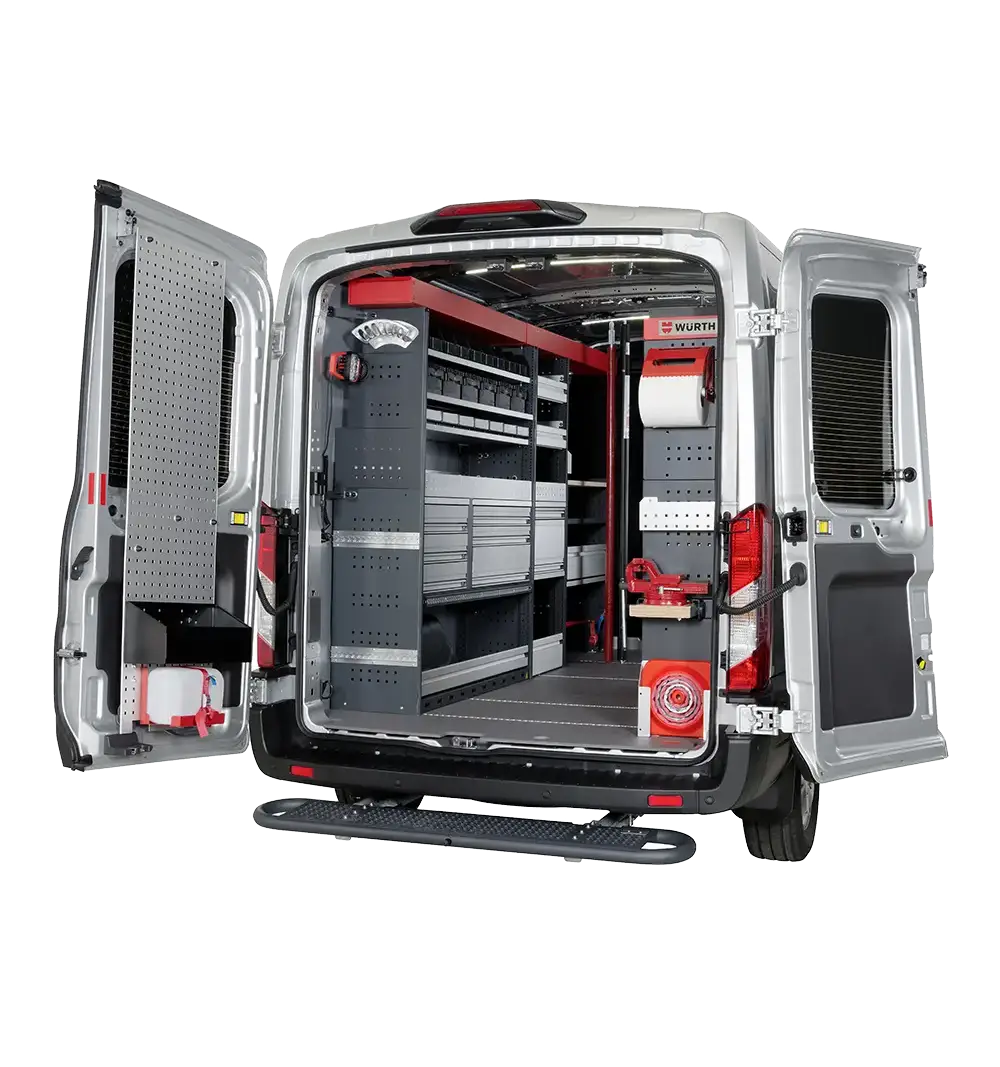
    atmospheric image ORSY®mobile
    WÜRTH ONLINE SHOP
    • Forgot your password?
    • Forgot your customer and/or partner number?
    • Register with Würth
    • Request new customer login
    • Request existing customer login
    • Frequently Asked Questions
    WÜRTH
    • Download the Würth app
    • View all our brochures
    • Discover our promotions
    • Find your nearest shop
    • Working at Würth
    • Code of compliance
    SOCIAL
    • LinkedinLinkedin
    • FacebookFacebook
    • YoutubeYoutube
    • InstagramInstagram
    CONTACT

    Würth Belux nv

    Everdongenlaan 29 (4253)

    2300 Turnhout

    Belgium

    +32 (0)14 44 55 66

    service@wurth.be

    © Würth Belux nv

    Vacancies General conditions Cookies Disclaimer Privacy policy Terms of warranty


    Download
    Remember login details

    After activating this function, your login details (customer number and partner number) will be saved using a cookie. We recommend using this function only if no other people use this PC, tablet or smartphone. In general, we recommend logging out after your purchase.

    Where can I find my customer number?

    You will find your customer number on a Würth invoice, a delivery note or an order confirmation. It will be displayed on the first page, in the top right hand corner. If you do not have any of these Würth documents, please call our service hotline on +49 7940 15-2400. You can reach us from Mondays to Fridays from 6:00 am to 12:00 midnight (not on public holidays).

    You are still not a Würth customer? You can register online in a few simple steps. Once you have successfully registered, you will have access to all prices and can then place an order. Click on "Register now".

    Login with mobile phone number

    To log in with your mobile phone number please enter your mobile phone number, verified during the registration process. If you didn’t verify your mobile phone number yet please use the Partner Number login and verify your mobile phone number after login in ‘My Account’ Settings.

    You are not yet a Würth customer? You can register online in a few simple steps. Once you have successfully registered, you will have access to all prices and can then place an order. Click on "Register now"

    Where do i find my partner number?

    You will receive your partner number together with your login details once you have successfully registered on the Würth Online Shop via an email to the email address you specified on the registration form. Alternatively you can contact your sales representative. If you do not have this data, please call our service hotline on +49 7940 15-2400.

    Login with login name

    To log in with a personal login name, please enter the login name you have chosen. If you have not yet assigned a login name, please use the login with customer number and assign a login name after successful login in the settings of 'My account'.

    Which password do I have to enter

    The password for the Würth Online Shop is either the password you entered during the initial registration, or the password given to you by your company. The password must be at least 8 characters long and be composed of numbers and letters, with at least 4 different characters. The use of special characters is not permitted. The following terms are also not allowed as a password: your customer number, "wuerth1", "abcdefg".

    Remember login details

    After activating this function, your login details (customer number and partner number) will be saved using a cookie. We recommend using this function only if no other people use this PC, tablet or smartphone. In general, we recommend logging out after your purchase.

    Where can I find my customer number?

    You will find your customer number on a Würth invoice, a delivery note or an order confirmation. It will be displayed on the first page, in the top right hand corner. If you do not have any of these Würth documents, please call our service hotline on +49 7940 15-2400. You can reach us from Mondays to Fridays from 6:00 am to 12:00 midnight (not on public holidays).

    You are still not a Würth customer? You can register online in a few simple steps. Once you have successfully registered, you will have access to all prices and can then place an order. Click on "Register now".

    Login with mobile phone number

    To log in with your mobile phone number please enter your mobile phone number, verified during the registration process. If you didn’t verify your mobile phone number yet please use the Partner Number login and verify your mobile phone number after login in ‘My Account’ Settings.

    You are not yet a Würth customer? You can register online in a few simple steps. Once you have successfully registered, you will have access to all prices and can then place an order. Click on "Register now"

    Where do i find my partner number?

    You will receive your partner number together with your login details once you have successfully registered on the Würth Online Shop via an email to the email address you specified on the registration form. Alternatively you can contact your sales representative. If you do not have this data, please call our service hotline on +49 7940 15-2400.

    Login with login name

    To log in with a personal login name, please enter the login name you have chosen. If you have not yet assigned a login name, please use the login with customer number and assign a login name after successful login in the settings of 'My account'.

    Which password do I have to enter

    The password for the Würth Online Shop is either the password you entered during the initial registration, or the password given to you by your company. The password must be at least 8 characters long and be composed of numbers and letters, with at least 4 different characters. The use of special characters is not permitted. The following terms are also not allowed as a password: your customer number, "wuerth1", "abcdefg".