
Install
the app
THE APP FOR
PROFESSIONALS!
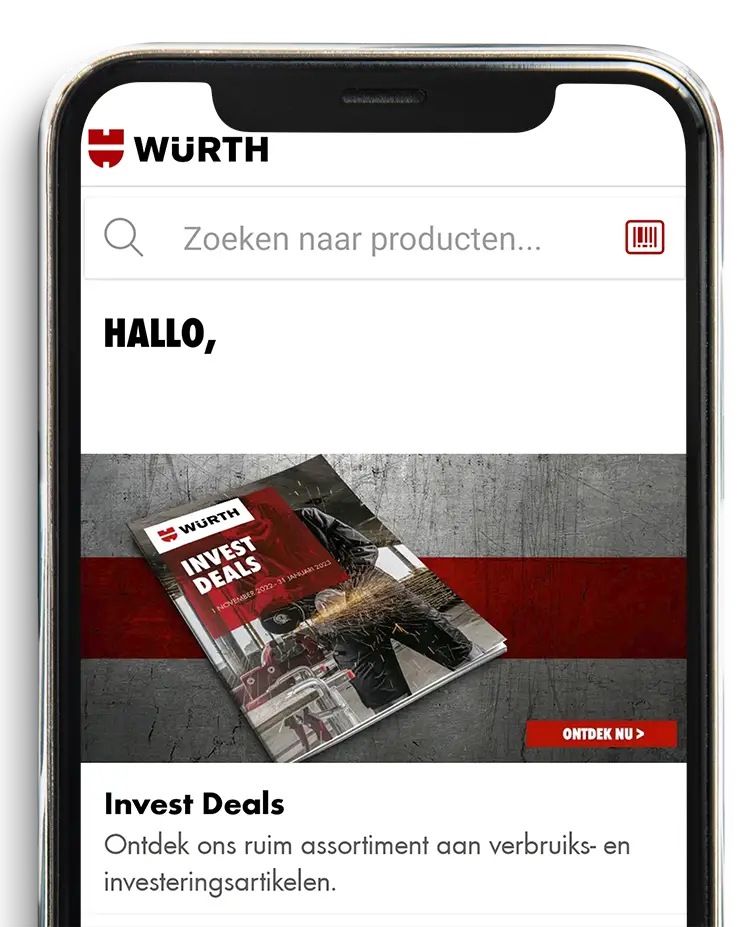
On the road or on site? Wherever you are, our complete product range is always within reach. Download our free app now.
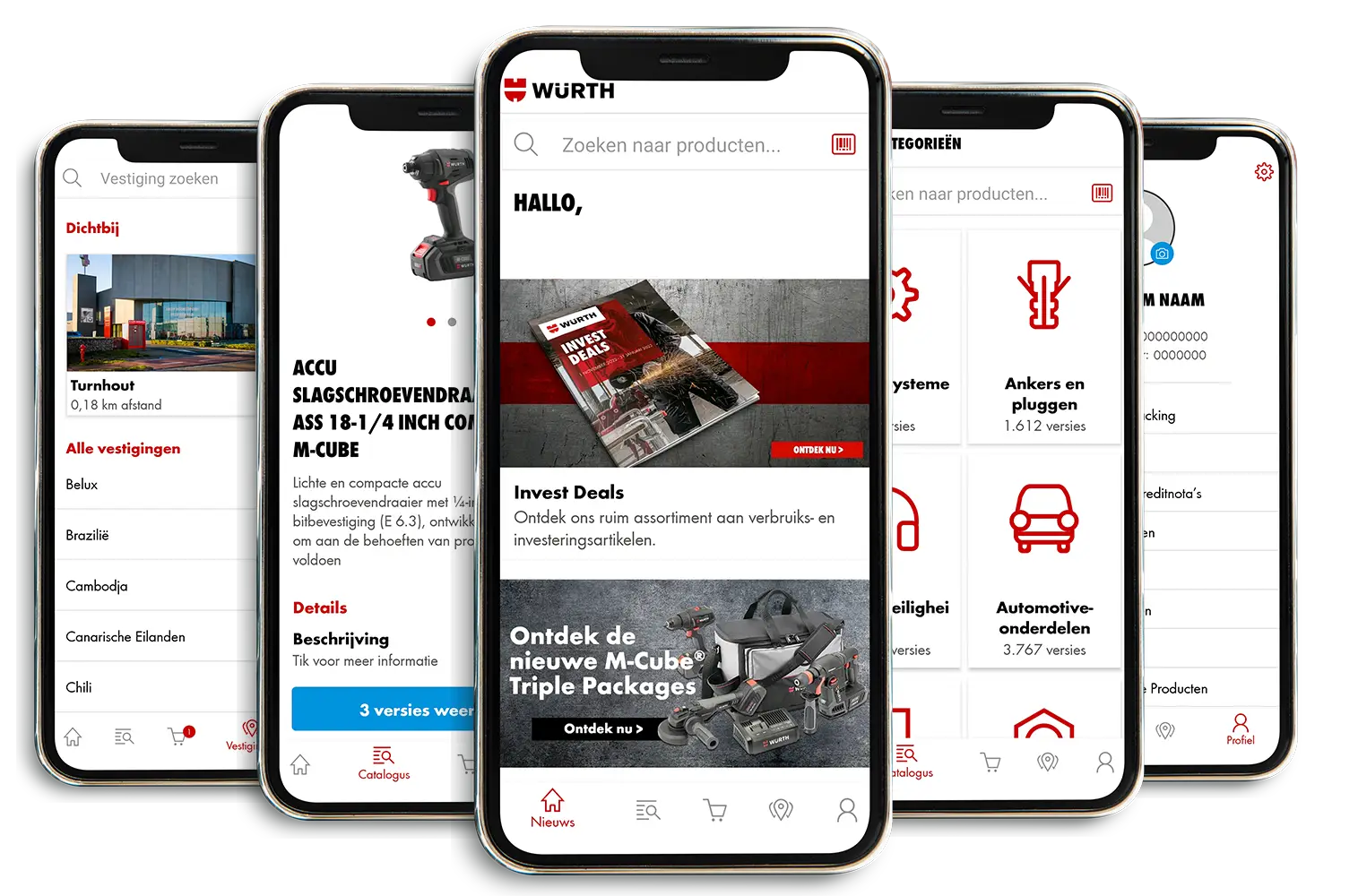
WHY USE THE WÜRTH APP?
Order quickly and easily whenever it suits you!
or simply search for information about all Würth products. Always up to date!

Barcode scanner and search function
Scan product barcodes directly in the app or enter the item number or description of the desired products.

All the latest updates
Be the first to know about all current promotions and new products.

Find your nearest Würth shop
Turn on your location and the app will show you the nearest shop, complete with directions and opening hours.

Click & Collect
Order in 60 seconds, collect after 60 minutes at the Würth shop of your choice.
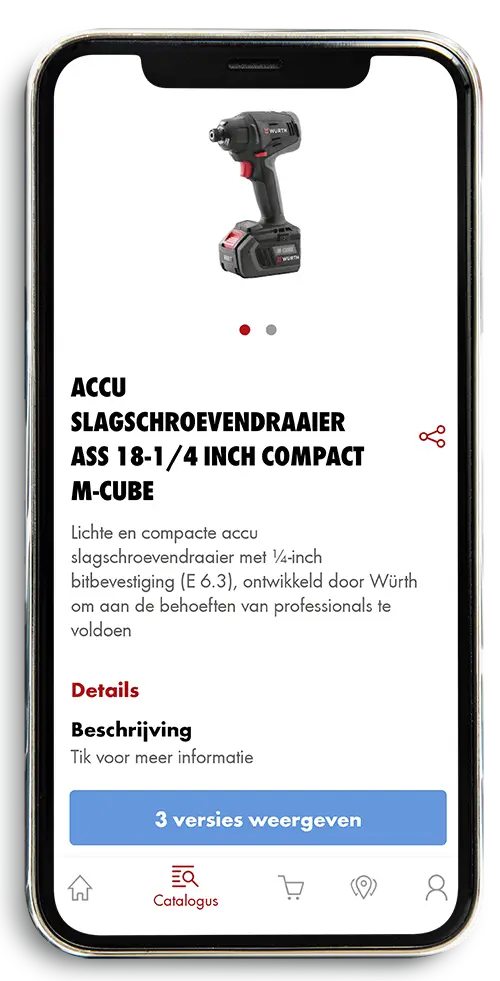
Find your nearest Würth shop
Turn on your location and the app will show you the nearest shop, complete with directions and opening hours.
Click & Collect
Order in 60 seconds, collect after 60 minutes at the Würth shop of your choice.
FAQ
Frequently asked questions from our customers.
Yes, and after registering in the app, you can use all functionalities free of charge.
Go to the Google Play Store (Android) or App Store (Apple) on your mobile device.
- Search for Würth Belux
- Click install (this may take some time)
- Open the app
- Go to the profile button and click sign in
-
- Do you already have an online shop account? Then you can sign in in 2 ways:
-
- 1. Enter your customer number, partner number and password OR
- 2. Enter your username and password
- Have you not registered yet in the online shop?
-
- Then choose register to create a new account
- Click “Forgot password”
- Enter your customer number and partner number OR enter your username
- Click “Reset”
- You will receive an email from eshop@wurth.be with instructions to reset your password.
In the app, you can choose “online payment” to pay directly when completing your order using VISA, Mastercard, Maestro, Apple Pay, Google Pay, Bancontact, or you can choose “On account” to pay later by invoice.
Yes, we take security and privacy seriously and use the latest encryption technologies to ensure that your data is safe.
Yes, an internet connection is required to retrieve up-to-date information.
You can view stock availability in a shop within a radius of 50 km.
Please contact us, we will be happy to help you further.
By email
service@wurth.beVia live chat
Mon – Fri 8:00 am – 4:00 pm
WÜRTH … IN YOUR POCKET!
Don’t have the Würth App on your mobile device yet? In just a few minutes, you too can enjoy all the benefits the app has to offer.