
CREATE INVENTORY
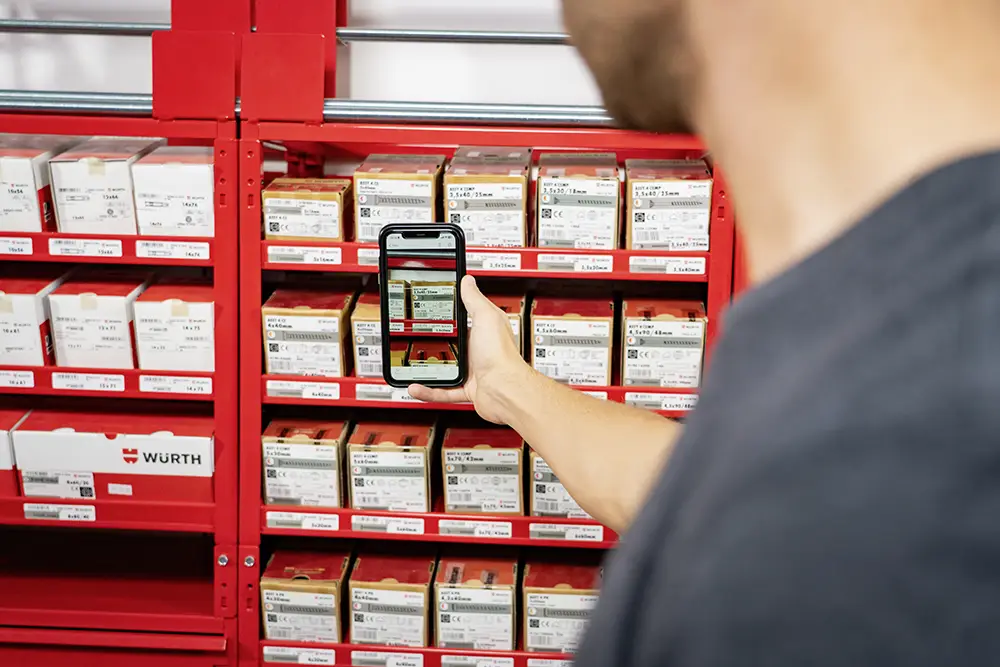
If you use an ORSY® scan or the Würth app scan, you can scan items and create an inventory in the online shop. This way, you keep a clear overview of the value of all Würth goods and investments circulating within your organisation.
How do I create an inventory?
This function is used in combination with an ORSY® logistics system with the ORSY® scanner option.
ORSY® scan:
- Scan items with the ORSY® scan device
- Place the scanner in the docking station
- A pop-up will appear
- Enter your login details
- Click 'read scanner'
- The connection to the online shop shopping cart will be established
- Export the shopping cart to inventory using the 3rd button at the bottom of the shopping cart 'create inventory'
Würth App scan:
- Scan items with the app scan function
- Items are added to your shopping cart
- Click the 3rd icon at the bottom of the shopping cart to compile an inventory list of the products
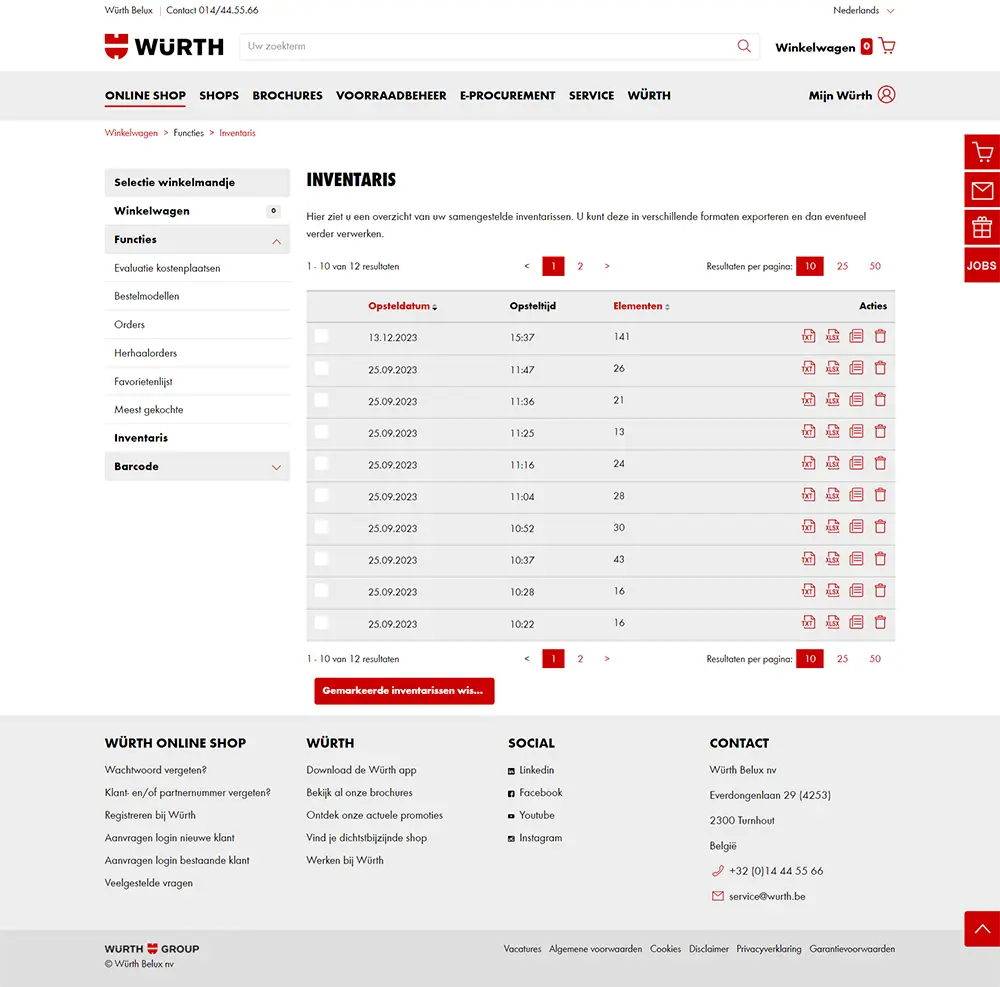
- All lists can be found in the 'inventory' section