
ORDER TEMPLATES
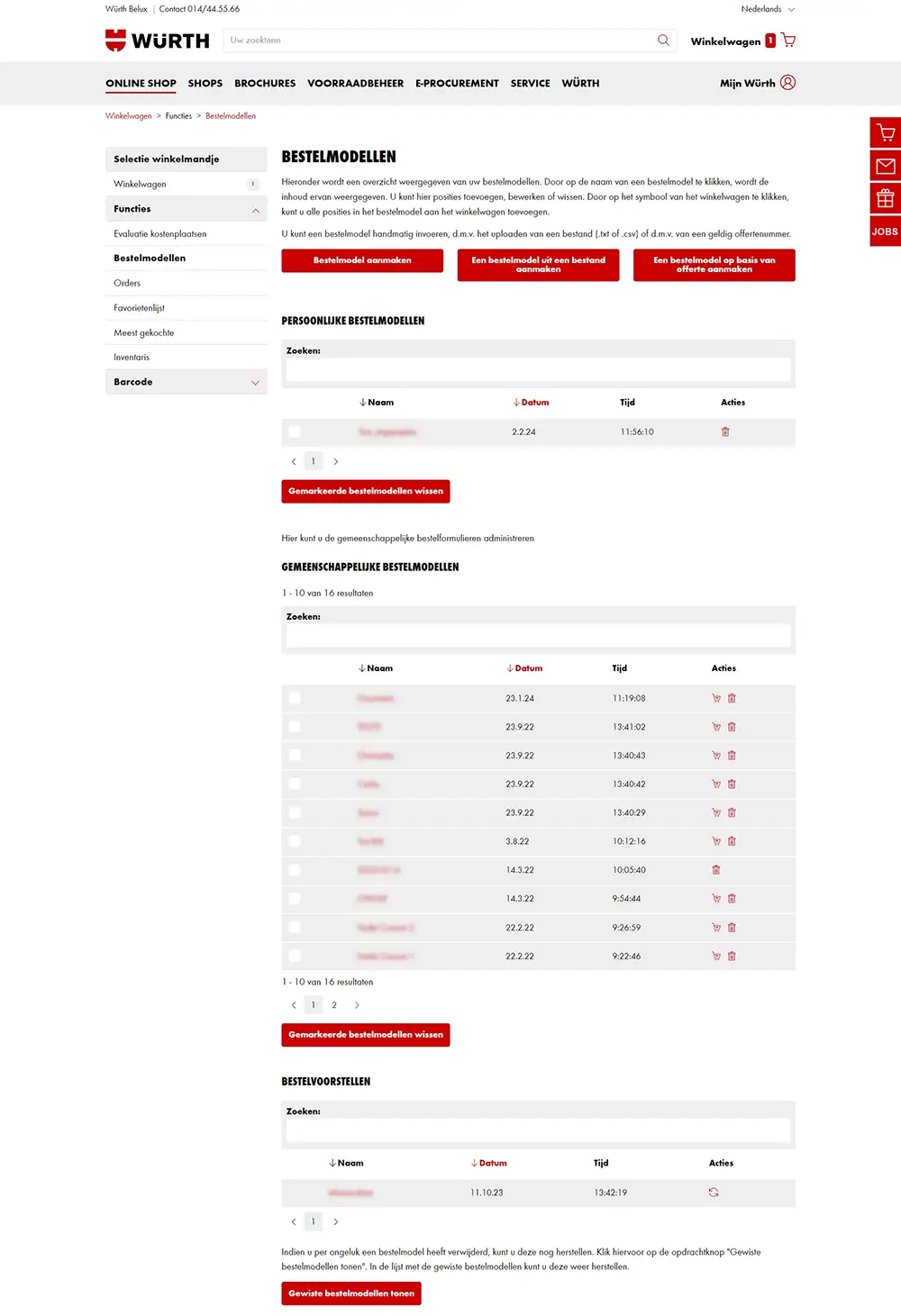
To help you find your way among our more than 130,000 items, you can create an order template with the products you order regularly. This allows you to add these items to your shopping cart with just one click. Order templates can be created manually, but they can also be generated from a quotation or a file.

How do I create an order template?
Click on 'My Würth' and choose the option "order templates".
Choose whether to create an order template manually, create one from a file, or create one based on a quotation.
1. Create an order template:
- Enter a file name and a description. Click save
- In quick entry, enter an item number of your choice and confirm by clicking add
2. Create an order template from a file:
- Enter a file name for the order template
- Add the file with item numbers. Click execute
3. Create an order template based on a quotation:
- Enter a file name for the order template
- Enter your Würth quotation number. Click execute