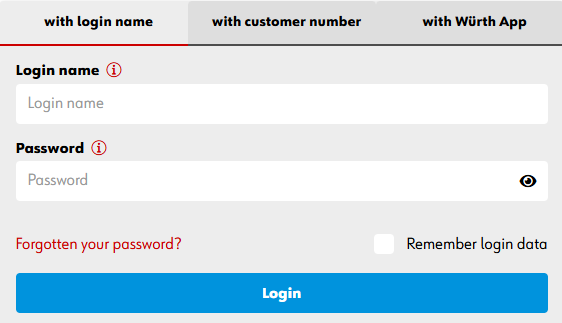
ADD A USERNAME TO YOUR ACCOUNT
To make your online shopping experience faster and more efficient, you can use the
‘log in with username’ functionality.
Do you already have an online shop profile? Follow the steps below to make logging in
even easier in the future.
Would you like to change your username? You can also do that this way.
Don't have an online shop profile yet?
Create account
Log in to the online shop with your customer and partner number.
01
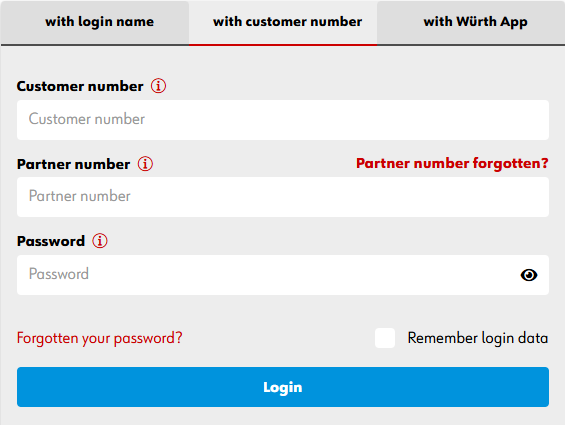
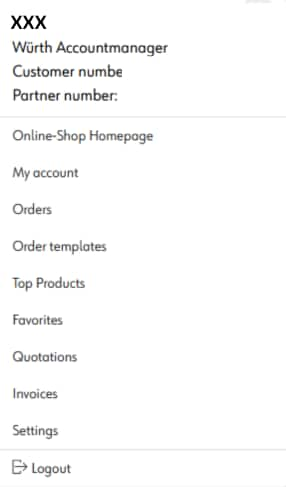
Go to My Würth and then select Settings.
02
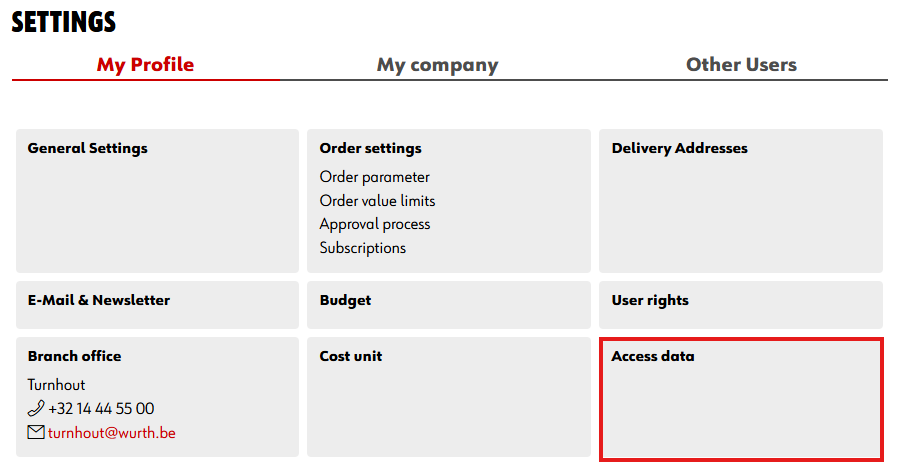
Click on Login details.
03
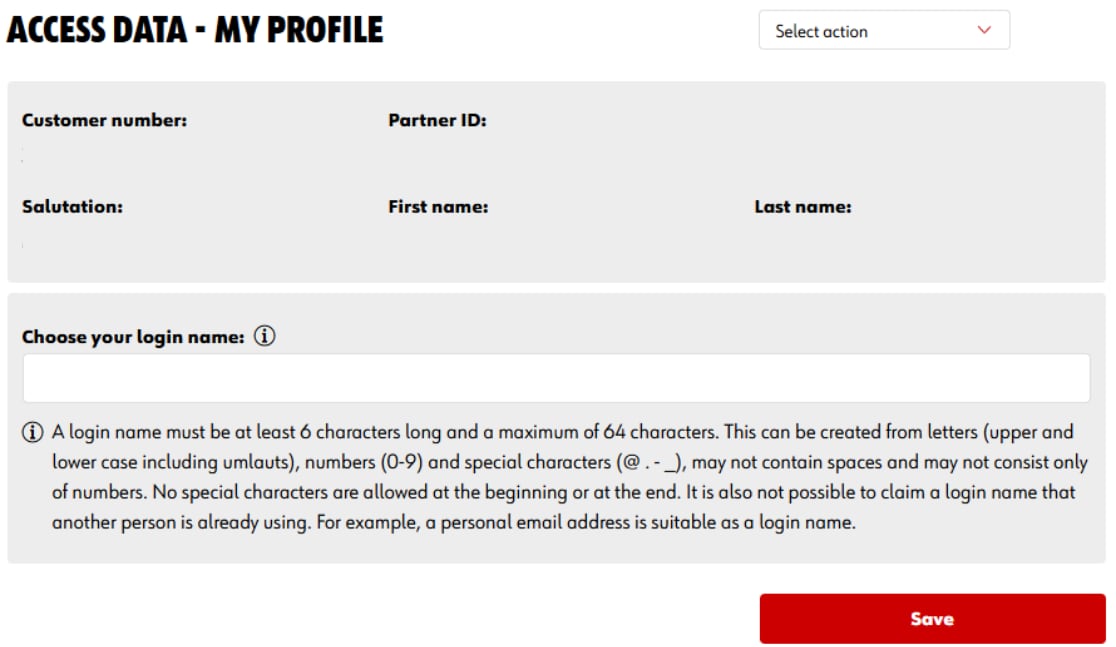
In the input field Choose your username, you can select the name you want to use for your next login. Please note: each username is unique and may only appear once in our system. Click Save to confirm your choice.
Tip: Set your personal email address as your username. It is unique and easy to remember.
04
The next time you log in, you can do so with your username.
05